Posted on August 12th, 2009 at 3:03 pm by Steve
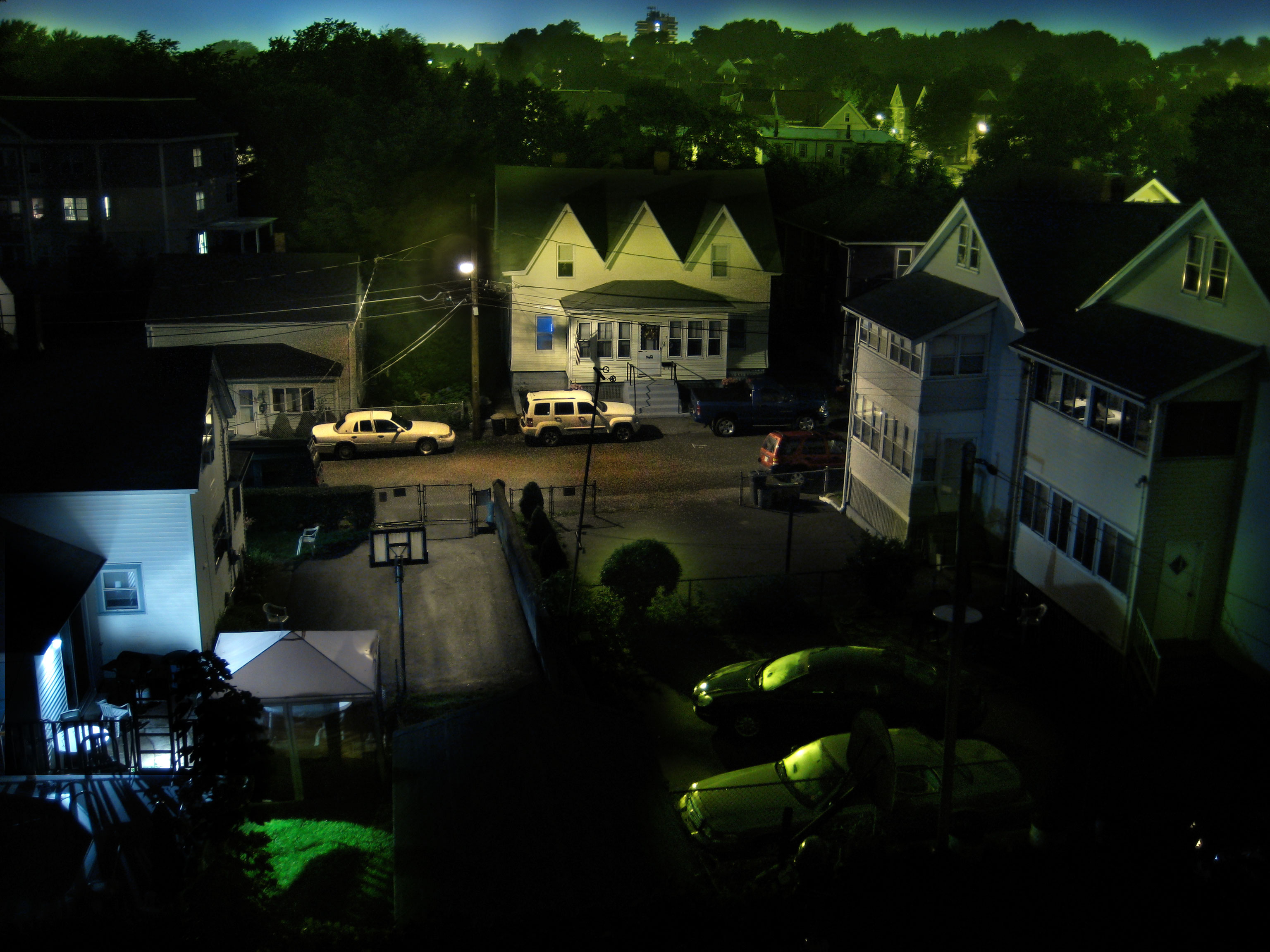
I created this image last night from multiple exposures taken from my back deck. It was foggy, and I like how the depth of the various trees on the hill came out. This was just my first experiment.
I did it in Photoshop. I took 10 photos with the camera on a tripod, and varied the white balance and exposure time. In Photoshop, I masked away all the content of a layer, then “painted” on the mask to reveal part of each layer. I assembled the photo like that, picking and choosing which parts of which layers I wanted to use.
Photoshop does, by the way, have an automatic “Create HDR” action which also produces interesting results, but I can’t find a way to tweak it once it’s created.
Neat. I wonder if you could color-balance the individual shots before compositing them. It might be fun to do the “Create HDR” thing and use it as just another layer to possibly paint in. Also… blending modes? Wheee!
Comment by Agent B — August 13, 2009 @ 9:44 pm
You must be logged in to post a comment.
did you do this with some kind of HDR software, or by hand?
Comment by Agent B — August 12, 2009 @ 7:49 pm